Container Isolation Explained Simply
Understand how containers stay separated from each other and from the host, and why that isolation is the foundation of modern cloud computing.
Container Isolation Explained Simply
The Simple Definition
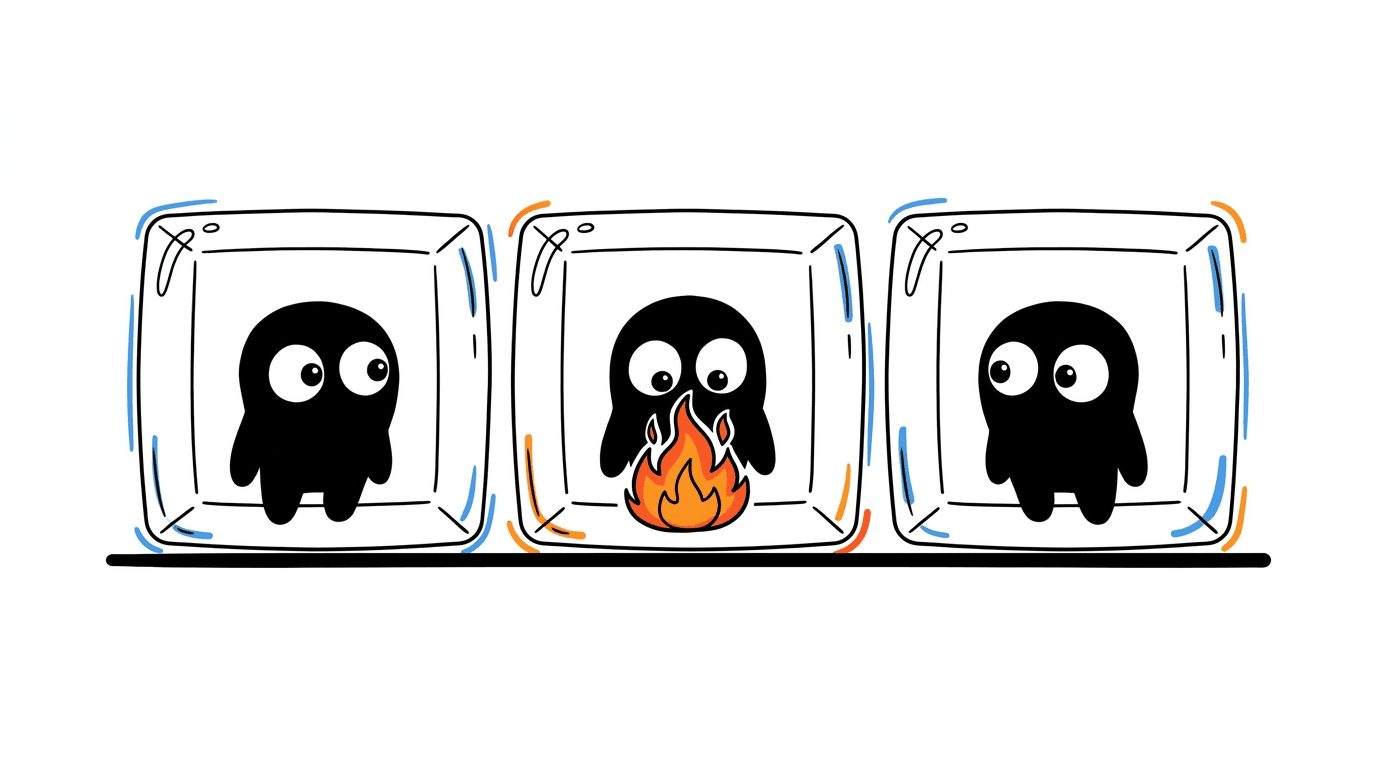
Container isolation is the set of techniques that lets many containers run on the same machine without seeing, touching, or interfering with each other.
Each container behaves as if it has its own private computer, even though they all share the same underlying operating system.
The Real-World Analogy
Think of a modern co-working office building.
- The building has one foundation, one power supply, and one security system.
- Inside, each company gets its own private office: locked door, its own desks, its own network printer, its own supplies.
- Employees in one office cannot walk into another office, read their files, or unplug their equipment.
- Yet all offices share the same building infrastructure — elevators, electricity, HVAC.
Containers work the same way.
| Co-working Building | Container Platform | |---|---| | The building | The host operating system (kernel) | | Each private office | A container | | Locked doors and walls | Isolation boundaries | | Shared elevators and power | Shared kernel and hardware | | Office floor plan | Container configuration |
The key insight: shared foundation, private workspace. That is the whole idea behind container isolation.
How It Works (Step-by-Step)
Container isolation is built from several Linux kernel features working together. Let's walk through them in plain language.
1. Namespaces — "What can I see?"
Namespaces decide what a container is allowed to see of the system.
Each container gets its own view of:
- PID namespace — its own process list. A container thinks it is running process ID 1, even though the host sees a different number.
- Network namespace — its own network interfaces, IP address, and routing table.
- Mount namespace — its own filesystem layout.
- UTS namespace — its own hostname.
- IPC namespace — its own inter-process communication channels.
- User namespace — its own mapping of users and permissions.
Think of namespaces as the walls and doors of the office. They control visibility.
2. Control groups (cgroups) — "How much can I use?"
Cgroups decide how many resources a container is allowed to consume.
They cap things like:
- CPU time
- Memory
- Disk I/O
- Network bandwidth
- Number of processes
This is the equivalent of the building manager saying: "This office gets 2 desks, 1 printer, and 10 amps of power — no more."
Without cgroups, one noisy container could starve all the others on the same host.
3. Filesystem isolation — "Where do my files live?"
Each container gets its own filesystem view, usually built as layered images:
- A read-only base layer (the OS image)
- Additional read-only layers (your app, dependencies)
- A thin writable layer on top (runtime changes)
Containers cannot see each other's files. They cannot reach into the host filesystem unless you explicitly mount a folder in.
4. Network isolation — "Who can talk to me?"
By default, each container gets:
- Its own virtual network interface
- Its own IP address
- A private bridge to the host network
You decide which ports are exposed and which containers are allowed to talk to each other. Everything else stays sealed.
5. Security boundaries — "What am I allowed to do?"
On top of namespaces and cgroups, container runtimes apply extra security layers:
- Capabilities — drop dangerous root powers the container doesn't need.
- Seccomp — restrict which system calls a container can make.
- AppArmor / SELinux — enforce mandatory access control policies.
- Read-only root filesystem — prevent tampering with the container image at runtime.
These are the security guards, badge readers, and surveillance cameras of the building.
What Is Really Happening Under the Hood
A container is not a virtual machine. It is a regular Linux process — but a process that the kernel has wrapped in a carefully controlled bubble.
- The process runs directly on the host kernel.
- Namespaces trick it into seeing only its own slice of the world.
- Cgroups put a hard ceiling on what it can consume.
- Security modules block dangerous operations.
That is why containers start in seconds and use far fewer resources than virtual machines: there is no second operating system, just a very well-isolated process.
It is also why container isolation is sometimes called "soft isolation" compared to VMs. The walls are strong, but they share the same foundation. If the kernel itself is compromised, the isolation can break. That is an important trade-off to understand.
Why It Matters
1. Multi-tenancy on one machine
A single host can safely run dozens or hundreds of containers belonging to different applications, teams, or even customers — without them interfering.
2. Predictable performance
Cgroups ensure one container cannot hog CPU or memory and degrade the others. This is critical for production workloads.
3. Security boundaries
Even if one container is compromised, isolation limits the blast radius. Good defaults plus extra hardening (seccomp, read-only FS, non-root users) make this much stronger.
4. Reproducible environments
Filesystem isolation means each container ships with exactly the dependencies it needs. No conflicts with the host or with other containers.
5. Foundation for orchestration
Kubernetes, ECS, and similar platforms only work because isolation guarantees are reliable. Without isolation, you cannot safely pack workloads onto shared infrastructure.
6. Cost efficiency
Better isolation density means more workloads per host, which directly translates to lower infrastructure cost.
A Practical Mental Model
When you run a container, picture this:
- The kernel creates a bubble around your process.
- Namespaces decide what the process can see inside that bubble.
- Cgroups decide how much fuel the bubble gets.
- Security policies decide what the bubble is allowed to do.
- The container image decides what the bubble is made of.
Five layers, all working together, all enforced by the kernel.
Where Isolation Has Limits
It is worth being honest about the boundaries:
- All containers share the same kernel. A kernel-level exploit can cross containers.
- Misconfiguration (running as root, mounting the host filesystem, granting privileged mode) can weaken isolation significantly.
- For strong multi-tenant security (different customers, untrusted code), teams often add a layer of VM-based isolation underneath — for example, Firecracker, Kata Containers, or gVisor.
Container isolation is excellent for most workloads. For hostile multi-tenancy, you combine it with hardware-level isolation.
Key Takeaways
- Container isolation is built from namespaces, cgroups, filesystem layering, and security policies working together.
- The model is shared kernel, private workspace — lighter than VMs, but with real trade-offs.
- It is the foundation that makes modern cloud platforms, Kubernetes, and serverless container runtimes possible.
Final Thought
Containers feel magical because they behave like tiny private computers — but there is no magic, just well-engineered isolation primitives in the Linux kernel. Once you understand namespaces and cgroups, the rest of the container ecosystem stops looking like a black box and starts looking like a very elegant system design.